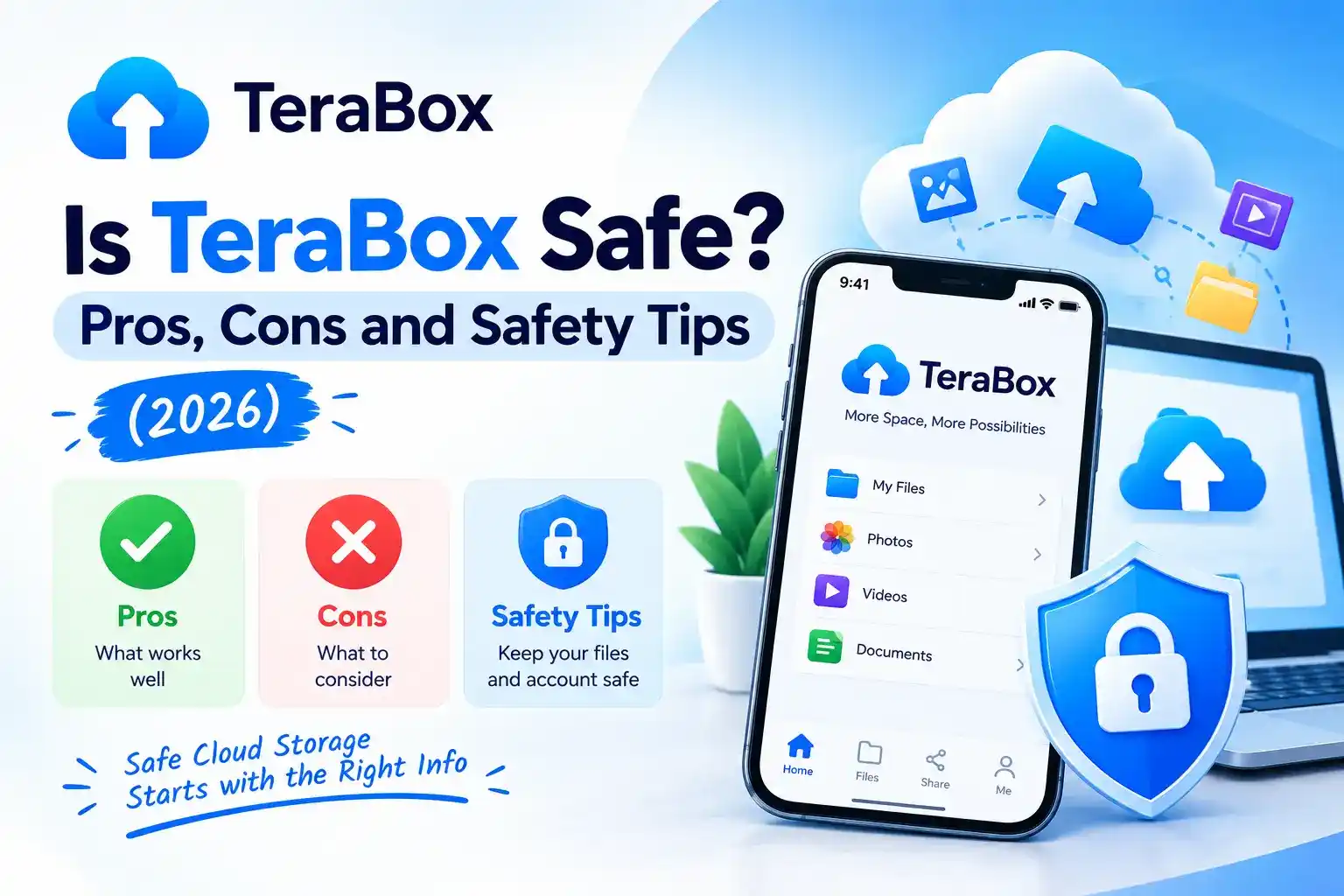
Is TeraBox Safe? Pros, Cons and Safety Tips (2026)
Note: This is an independent guide. We are not affiliated with TeraBox. Policies, features and security practices can change, so always check the official privacy policy and app for current details.
Before you upload family photos or work files to any cloud service, it is smart to ask whether it is safe. TeraBox is popular because of its large free storage, but that also makes people wonder about the catch. This guide explains the real risks, the good points and how to protect yourself.
Short answer: The official TeraBox app is a real, widely used cloud service, but “safe” depends on what you store and how you use it. Modified or unofficial versions are not safe. For sensitive files, take extra precautions or choose a privacy-focused service.
What “safe” really means for cloud storage
When you upload a file, you are trusting a company with a copy of it. Safety has three parts:
- App safety: is the app free of malware and from a trusted source?
- Account safety: can someone else break into your account?
- Data privacy: who can see your files, and how does the company use your data?
No cloud service is risk-free, and you are responsible for part of the protection.
What TeraBox does well
- Official app stores: the app is distributed through Google Play and the Apple App Store, which run their own checks.
- Large free storage: useful for photos and videos if you have little space on your phone.
- Multi-device access: mobile, desktop and web, so your files are available anywhere.
- Recycle bin: deleted files can usually be restored for a limited time.
Risks to be aware of
1. Privacy and data handling
Your files are stored on the company’s servers. Read the privacy policy to understand what data is collected and where it is stored. If a service does not clearly say that your files are end-to-end encrypted, assume the provider could technically access them.
2. Ads and permissions
Free plans often include ads. Check which permissions the app asks for (photos, storage, notifications) and turn off anything you do not need.
3. Shared links
Anyone who has a share link may be able to open the file. Links posted in public groups can spread far beyond the person you meant to share with.
4. Account takeover
A weak or reused password is the most common way accounts are hacked. If someone enters your account, they can see everything you stored.
5. Plans and limits can change
Free storage, speeds and features are set by the company and may change. Do not rely on a free plan as your only copy of important files.
Why modified apps are dangerous
Some websites offer “unlocked” or “premium free” versions of cloud apps. Avoid them.
Real risks of unofficial apps: they can hide malware or spyware, steal your password and files, get your account banned, and break without warning. You also have no way to verify who modified the file.
If you want premium features, use the official paid plan. If you do not want to pay, the free plan is the only safe choice.
TeraBox pros and cons
Pros
- Large free storage
- Works on phone, computer and web
- Easy file sharing
- Photo and video backup options
Cons
- Ads and limits on the free plan
- Privacy depends on trusting the provider
- Shared links can be forwarded
- Not a replacement for a full backup
How to use TeraBox more safely
- Install only the official app from Google Play, the App Store or terabox.com.
- Use a strong, unique password and turn on any extra verification offered.
- Do not store highly sensitive files such as passport scans, bank details or private documents unless you protect them first (for example, in a password-protected archive).
- Review shared links regularly and delete the ones you no longer need.
- Limit app permissions in your phone settings.
- Keep a second backup of important files on a hard drive or another service.
- Keep the app updated for security fixes.
Who should be careful
| If you store… | Suggestion |
|---|---|
| Holiday photos, videos, study material | Generally fine with a strong password |
| Work or client files | Check your employer’s rules first |
| ID, financial or medical records | Encrypt them first or use a privacy-focused service |
Frequently asked questions
The official app from Google Play, the Apple App Store or terabox.com is the safe option. Avoid APK files from other websites.
Files are stored on the provider’s servers. Unless a service clearly states end-to-end encryption, assume it may be able to access them. Read the privacy policy for details.
The free plan uses the same official app, with limits such as ads. It is safe if you follow normal security habits.
No. Unofficial versions can contain malware and put your account and files at risk.
No. Keep at least one more copy elsewhere, because accounts can be lost or plans can change.
Final thoughts
The official TeraBox app can be a convenient place for everyday photos and documents, as long as you use a strong password, share links carefully and avoid unofficial versions. For sensitive files, add your own protection. New to the app? Read our step-by-step TeraBox guide.