How to Delete Your TeraBox Account: Step-by-Step Guide (2026)
Note: This is an independent guide. We are not affiliated with TeraBox. Menu names and options can differ between app versions, so follow the on-screen instructions in the official app.
Maybe you moved to another storage service, want more privacy, or simply no longer use TeraBox. Whatever the reason, deleting an account is a big step, because it can permanently remove your files. This guide shows how to prepare, how to find the delete option and what to do afterwards.
Before you start: Download anything you want to keep, cancel any paid plan, and remove shared links. Account deletion is usually permanent.
Before you delete your account
- Back up your files. Download photos, videos and documents to your phone, computer or another storage service. Check that the copies open correctly.
- Cancel any subscription. If you pay for a plan, cancel it through the store or payment method you used (Google Play, the App Store or the website). Deleting an account does not always stop billing.
- Remove shared links. Delete links you created so that no one keeps access to files, and tell people who rely on them.
- Check other logins. If you used TeraBox to sign in to other services, switch those to a different login first.
- Save important emails. Keep receipts or messages you may need later.
Warning: Once an account is deleted, files stored in it may be removed for good and may not be recoverable.
How to delete your TeraBox account
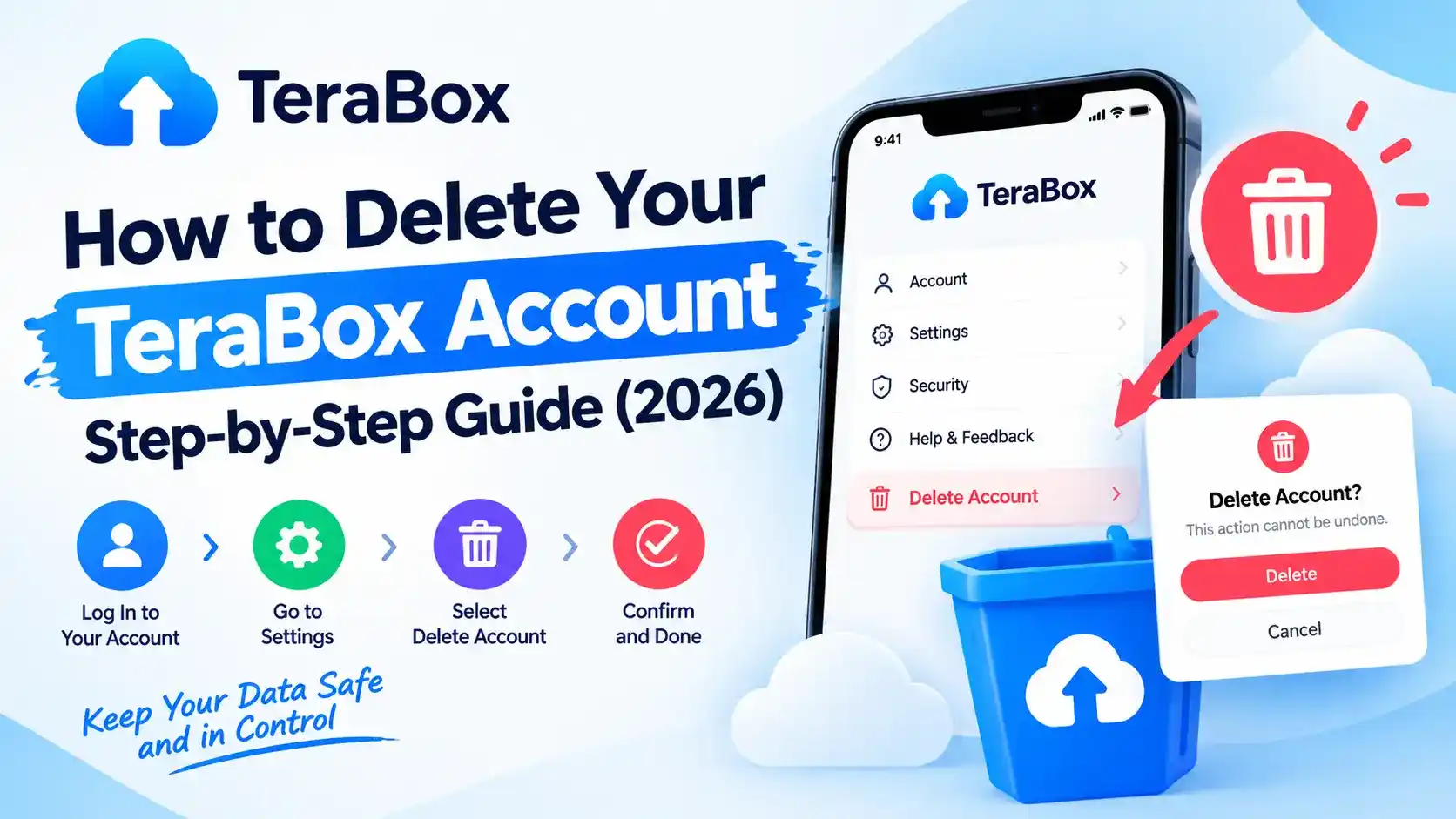
The exact path can change with each app version, but it usually looks like this.
Open the official app and sign in
Use the latest version of the app from Google Play or the App Store.
Go to your profile or settings
Tap your profile picture or the Me / Settings tab.
Open account or security settings
Look for a section such as Account, Account security or Privacy.
Find the delete or deactivate option
Look for wording like Delete account or Cancel account. The app may show a warning about what will be lost.
Verify and confirm
You may need to enter a password or a verification code sent to your email or phone. Read the final message carefully, then confirm.
Tip: Take a screenshot of the confirmation screen or email as proof that you made the request.
What happens afterwards
| Item | What to expect |
|---|---|
| Your files | May be permanently removed |
| Shared links | Usually stop working |
| Subscription | Check it is cancelled so you are not charged |
| Sign-in | You will no longer be able to log in |
| Timing | Deletion may not be instant, and some data may be kept for a period as stated in the privacy policy |
After deleting, uninstall the app and check your email and payment history to confirm nothing is still being charged.
Alternatives to deleting your account
- Just uninstall the app. Your account and files stay in the cloud if you want to return later. Note that this does not remove your data.
- Delete only certain files. Remove sensitive items and empty the recycle bin.
- Stop automatic backup. Turn off backup and revoke app permissions in your phone settings.
- Move to another service. Upload your files to a different provider before you close the account.
Can’t find the delete option?
- Update the official app and check again.
- Sign in on the web version at terabox.com and look in account settings.
- Read the official help or privacy pages for deletion instructions.
- Contact official support through the app or website.
Be careful with websites or people offering to delete your account for a fee or asking for your password. Use only official channels.
Frequently asked questions
Usually not. Deletion can permanently remove your files and access, so treat it as final and back up your data first.
No. Uninstalling the app only removes it from your device. Your account and files stay in the cloud.
Not always. Cancel any paid plan first through the store or payment method you used, so you are not charged again.
Menu names differ between app versions. Check the web version and the official help pages, or contact official support.
Final thoughts
Deleting your TeraBox account is simple, but it is not reversible, so prepare first: back up your files, cancel any plan and remove shared links. For more help, read our beginner’s guide and our safety guide.